

All guides
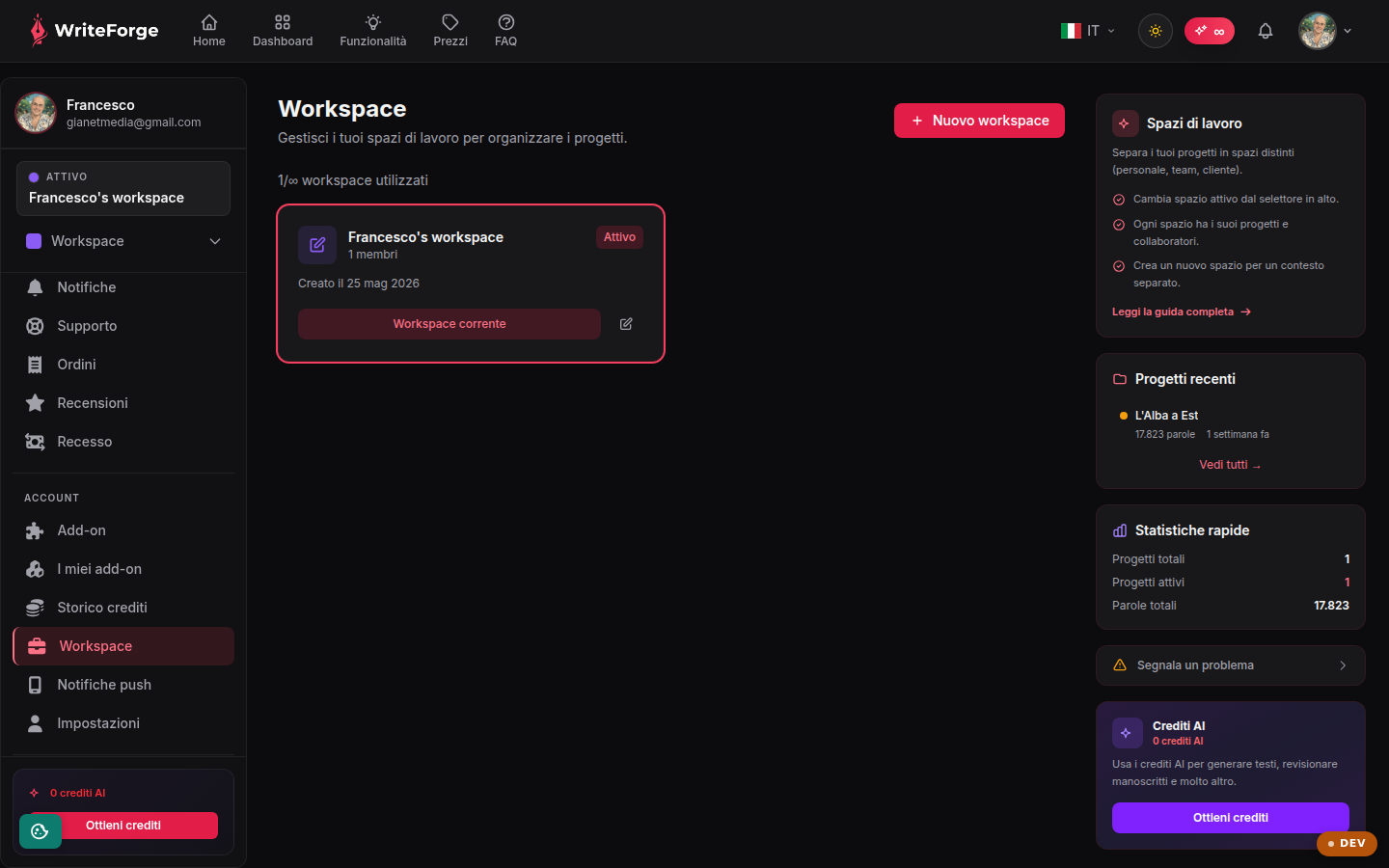
Workspaces
Separate your projects into distinct spaces (personal, team, client).
Key points
- Switch the active workspace from the selector at the top.
- Each workspace has its own projects and collaborators.
- Create a new workspace for a separate context.
What workspaces are
Each workspace is a separate container of projects: your personal work in one, your team's or a client's in another. The active workspace is switched from the selector at the top and determines which projects you see on the dashboard and in the lists.
When to create a workspace
Create a new workspace when a context deserves boundaries of its own: an editorial collaboration, a ghostwriting client, a separate book series. Keeping different contexts in different workspaces avoids confusion and simplifies access management.
Other pages
Your dashboard
Your projects
New project
Project overview
Edit project
Editor
Smart Context
Collaborators
Entities
Structure
Exports
Citations
Worldbuilding
Reviewer
New review
Review report
Manuscript scanner
New scan
Scan
Your profile
New workspace
Edit workspace
Add-ons and credits
My add-ons
Templates
Style profiles