

All guides
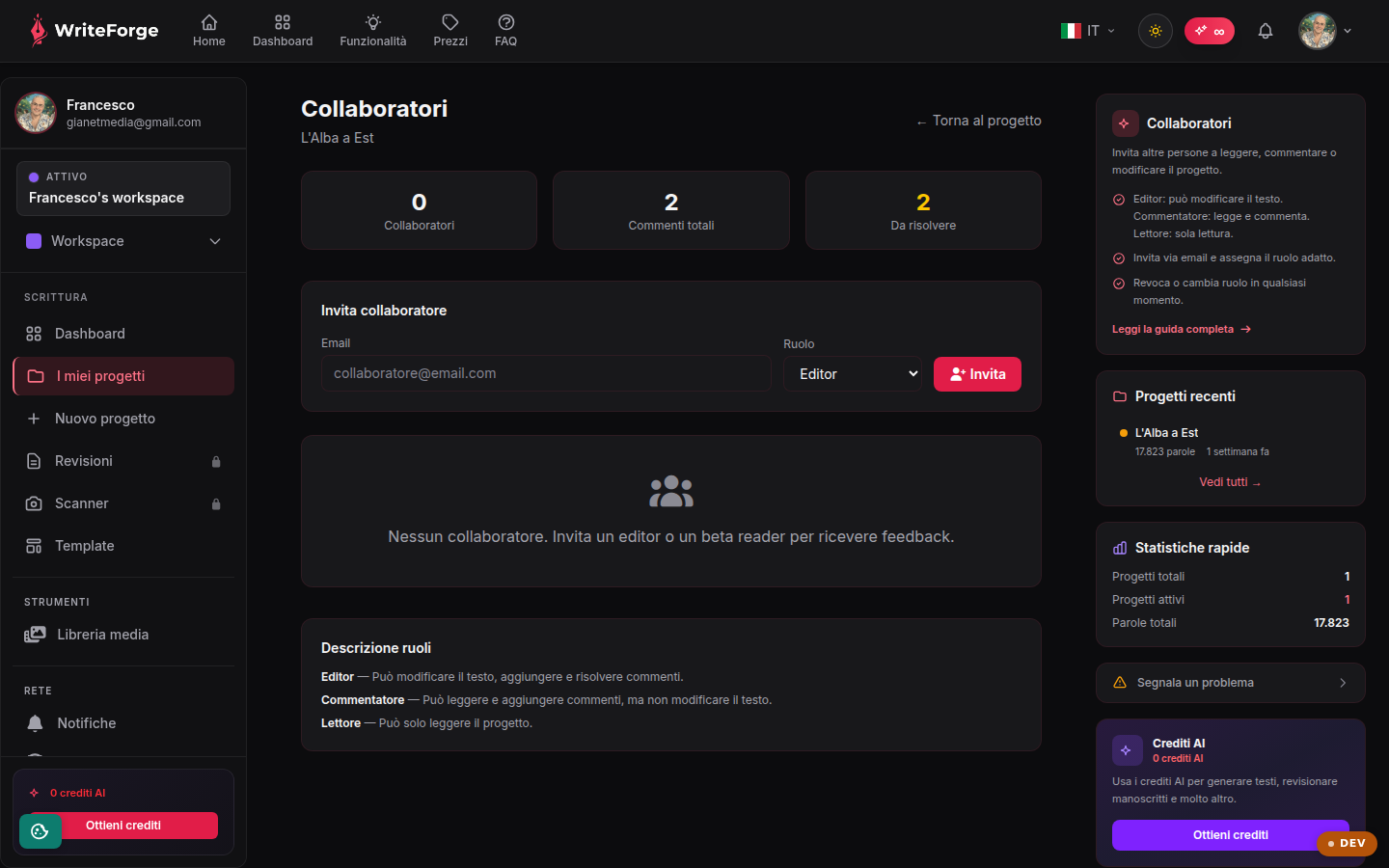
Collaborators
Invite others to read, comment on or edit the project.
Key points
- Editor: can edit the text. Commenter: reads and comments. Reader: read-only.
- Invite by email and assign the right role.
- Revoke or change a role at any time.
The three roles
Reader: read-only, perfect for beta readers. Commenter: reads and leaves notes, ideal for external editors in the feedback phase. Editor: can edit the text, for co-authors and trusted reviewers. The role applies to the single project, not to the whole account.
Inviting and managing
Enter the person's email and choose a role: they will receive an invitation. You can change a role or revoke access at any time from this same page; revocation is immediate.
Collaborators and workspaces
Per-project sharing is independent of workspaces: you can invite someone to a single project without giving them access to the rest of the workspace.
Other pages
Your dashboard
Your projects
New project
Project overview
Edit project
Editor
Smart Context
Entities
Structure
Exports
Citations
Worldbuilding
Reviewer
New review
Review report
Manuscript scanner
New scan
Scan
Your profile
Workspaces
New workspace
Edit workspace
Add-ons and credits
My add-ons
Templates
Style profiles