

All guides
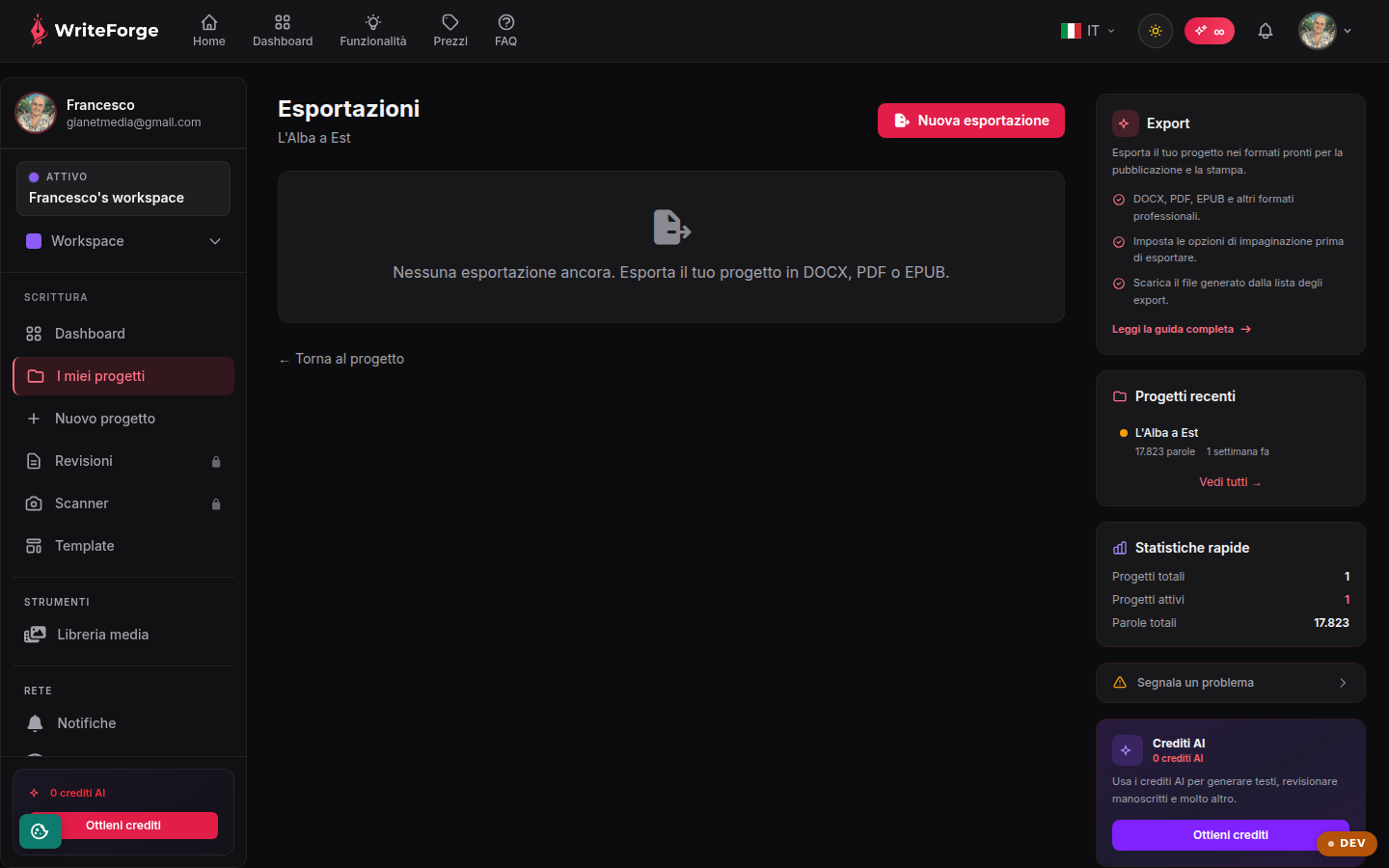
Exports
Export your project in formats ready for publishing and print.
Key points
- DOCX, PDF, EPUB and other professional formats.
- Set the layout options before exporting.
- Download the generated file from the exports list.
The available formats
DOCX for editorial review, PDF for reading and print, EPUB for e-books. Each format is generated from the project's current text, chapter by chapter, with a title page and table of contents.
How to export
Choose the format, set the layout options and start: the export is processed and appears in the list with its status. Once processing is complete, you download the file. Past exports stay in the list, so you can retrieve earlier versions.
Tips
Before a "final" export, run the manuscript through the Reviewer for a last check on typos and consistency. For professional printing, always check the generated PDF page by page.
Other pages
Your dashboard
Your projects
New project
Project overview
Edit project
Editor
Smart Context
Collaborators
Entities
Structure
Citations
Worldbuilding
Reviewer
New review
Review report
Manuscript scanner
New scan
Scan
Your profile
Workspaces
New workspace
Edit workspace
Add-ons and credits
My add-ons
Templates
Style profiles