

Edit project
Set the title, premise, style, AI language and project research.
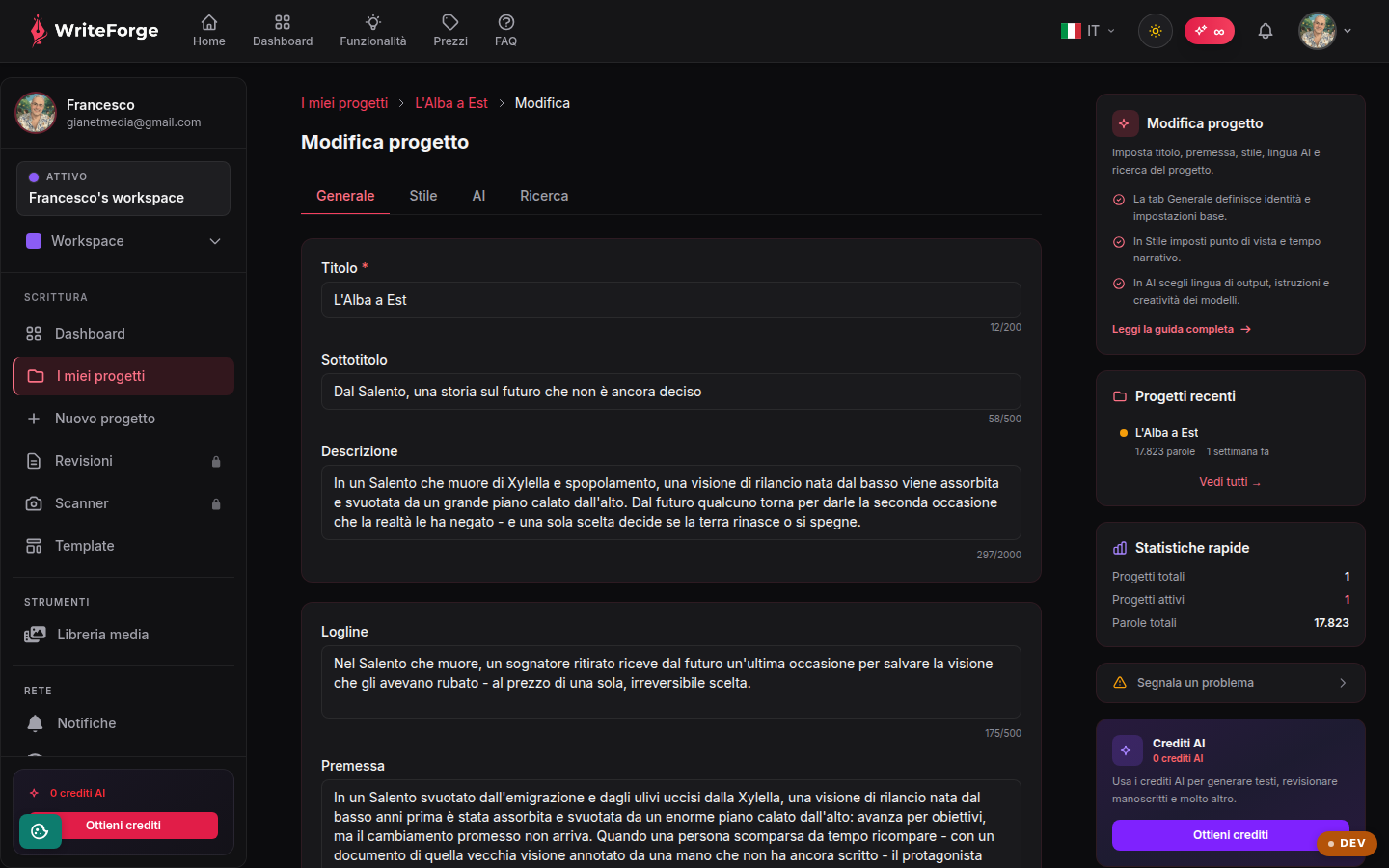
Key points
- The General tab defines identity and basic settings.
- In Style you set the point of view and narrative tense.
- In AI you choose the output language, instructions and model creativity.
The three settings areas
General gathers the project identity (title, premise, genre); Style defines the point of view, narrative tense and register; AI controls how the assistant writes: output language, custom instructions and the creativity level of the models.
How these choices guide the AI
Everything you set here goes into Smart Context and travels with every AI request: if you choose first person, present tense with an ironic tone, the suggestions will arrive in that voice. Custom instructions are the right place for recurring rules ("never use the protagonist's full name").
Best practices
Fill in the premise carefully: it's the summary that orients the AI on the entire project. Revisit the settings as the project evolves; changes apply from the next generations onward.