

All guides
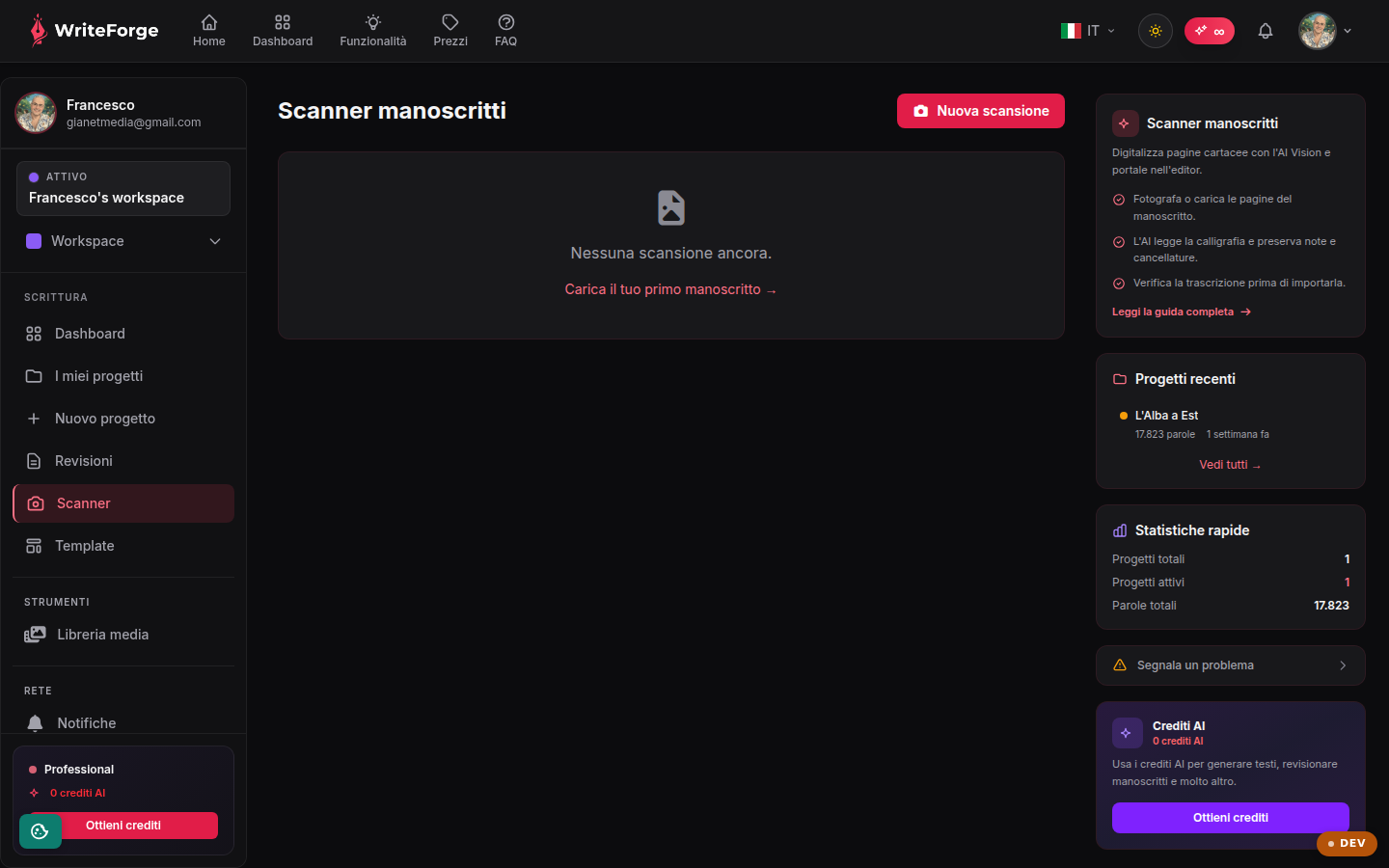
Manuscript scanner
Digitize paper pages with AI Vision and bring them into the editor.
Key points
- Photograph or upload the pages of the manuscript.
- The AI reads the handwriting and preserves notes and strikethroughs.
- Check the transcription before importing it.
What the Scanner does
It turns paper manuscripts into digital text using AI Vision: it reads handwriting (even several different hands, e.g. author + annotator), preserves strikethroughs and margin notes, and produces a transcription ready for the editor or for review.
The full flow
You photograph or upload the pages, the AI transcribes them, you check and correct the transcription, and finally you import it as project text. The list shows all your scans with their status. The feature depends on your active plan and consumes AI credits per page.
Other pages
Your dashboard
Your projects
New project
Project overview
Edit project
Editor
Smart Context
Collaborators
Entities
Structure
Exports
Citations
Worldbuilding
Reviewer
New review
Review report
New scan
Scan
Your profile
Workspaces
New workspace
Edit workspace
Add-ons and credits
My add-ons
Templates
Style profiles